Download and Install the project template
Follow these steps to download the UltimPM project templates to your ASANA account:
Click on the button at the bottom of the UltimPM dashboard page to download the project portfolio template:

A popup appears and lists the workspaces you have access to. Select a workspace.
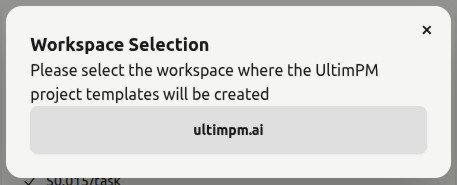
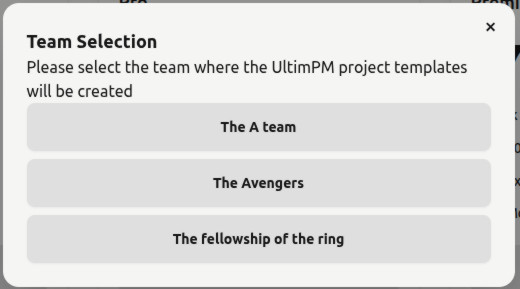
A list of the teams available in the workspace you just selected appears. Click on a team to start the import process.
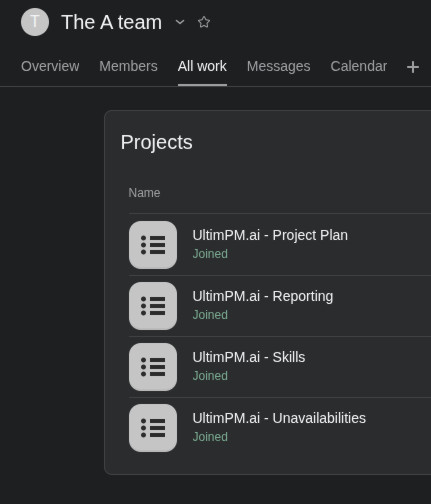
You can now see the new projects in your Asana workspace.
Now that you have imported and set up the project template into your portfolio, you can follow the next steps to add the UltimPM App to your project.